

How to Use Deriv.com with MetaTrader 5
Explore how Deriv.com pairs with MetaTrader 5 to boost trading in Kenya 🇰🇪. Learn setup tips, features, and smart trading strategies for better results 📈.
Edited By
Ethan Collins
If you're a trader in Kenya looking to fund your Deriv account, using M-Pesa for deposits is one of the easiest and most secure ways. Deriv is a well-known trading platform offering diverse financial instruments from forex to commodities. Since M-Pesa dominates mobile payments across Kenya, integrating it with Deriv makes depositing funds straightforward.
Before proceeding, ensure your Deriv account is fully set up and verified. Verification usually requires submitting identification documents and providing basic personal information. This step is crucial to comply with financial regulations and to avoid delays when depositing or withdrawing funds.
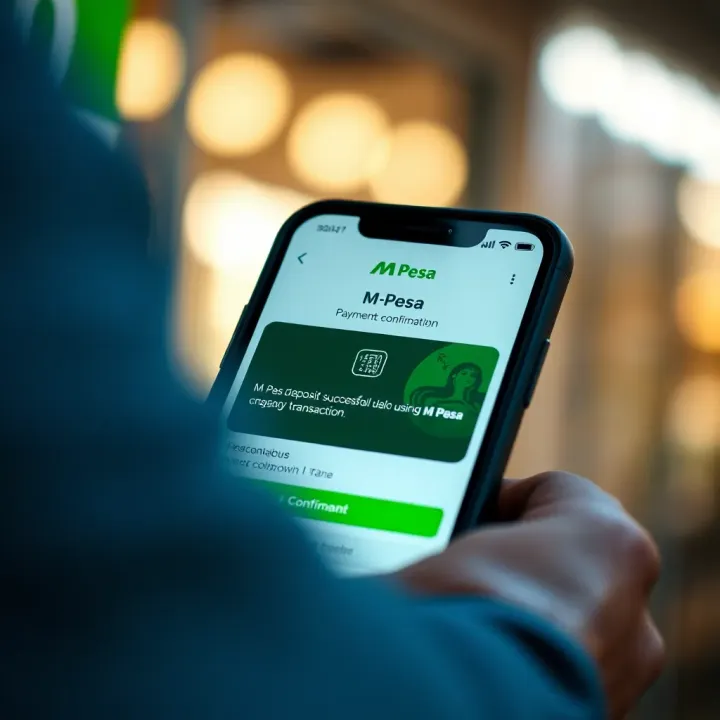
Linking M-Pesa to your Deriv account involves selecting it as the preferred payment option during deposit. Deriv supports Lipa Na M-Pesa Paybill or Till Numbers, which simplifies making payments without visiting a physical location. You don't need to share bank details with Deriv; your M-Pesa number will suffice.
Using M-Pesa to top up your Deriv account taps into an existing, trusted mobile money ecosystem familiar to millions of Kenyans. This method reduces dependency on international bank transfers, which can be costly and slow.
Make sure your M-Pesa account has sufficient balance before initiating any deposit. Also, confirm transaction limits both on Deriv and M-Pesa to avoid failed or pending transfers. For instance, M-Pesa usually limits daily transaction amounts, so deposits should respect those limits.
This guide covers the main steps to link your M-Pesa, make deposits on Deriv, and common troubles like transaction delays or mismatched payment details. Following these instructions will help you avoid typical pitfalls and fund your trading account with confidence.
Setting up your Deriv account correctly is the first step to using M-Pesa for seamless deposits. Without proper setup and verification, you risk facing delays or even rejection during transactions. This section covers how to create and verify your Deriv account and link your M-Pesa number properly, ensuring your trading journey starts smoothly.
Signing up on Deriv platform is straightforward but requires accuracy. Begin by providing your email and setting a strong password on the Deriv website or app. Use an email you frequently check, as Deriv will send important notifications, including deposit confirmations and important updates. For instance, many Kenyan traders use Gmail accounts linked to their phones for quick access.
Completing KYC verification requirements is mandatory before you can deposit via M-Pesa. KYC (Know Your Customer) is a standard regulatory step to confirm your identity and prevent fraud. You will need to upload scanned copies or clear photos of your national ID (like a Kenyan ID card) and proof of address, such as a utility bill or bank statement dated within the last three months. Deriv usually processes these within 24 to 48 hours. Skipping this step will block deposits and withdrawals, causing avoidable frustration.
Selecting M-Pesa as a preferred deposit option on Deriv is key to using Kenya's most popular mobile money platform. Log into your Deriv account dashboard, navigate to the payment settings, and choose M-Pesa among the available deposit methods. This choice is not just convenient; it eliminates the need for bank cards or bank transfers, which can be slower or come with higher charges.
Linking your M-Pesa number to Deriv ensures smooth transaction processing. After selecting M-Pesa, you will be prompted to enter your mobile number registered with Safaricom’s M-Pesa service. Double-check the number for accuracy because errors might delay deposits or cause payments to fail. Linking this number securely means you can send funds via Lipa Na M-Pesa directly from your mobile phone, which Kenya’s traders appreciate for speed and ease.
Taking time to set up and verify your Deriv account properly pays off. It reduces deposit hiccups and keeps your funds safe so you can focus on trading confidently.
With your account well set and M-Pesa properly linked, you’ll be ready for the practical steps to fund your Deriv account without a hitch.
Depositing funds on Deriv using M-Pesa is straightforward but requires careful steps to avoid errors. Traders and investors benefit from following a clear, stepwise approach to manage their accounts effectively. This reduces the chances of failed transactions and ensures funds reach your Deriv account promptly, enabling continuous trading and investment activities.
The first step is logging into your Deriv account. Once logged in, you will land on the dashboard, which gives an overview of your trading balances, open positions, and recent activities. This area acts as your control centre; you can easily access critical functions such as deposits, withdrawals, and account settings from here. For example, if you’re monitoring your portfolio and decide to add funds for a new trade, you start right from this dashboard.
From the dashboard, look for the ‘Deposit’ button or link—usually highlighted for easy visibility. Clicking this opens the deposit page where you can choose your preferred payment method. This section is crucial because it consolidates all deposit options like bank transfers, credit cards, and importantly, M-Pesa. Clear navigation here prevents confusion and speeds up the process, especially for busy users who want to fund their accounts quickly before market hours.
On the deposit page, you will find payment options neatly listed. Select ‘M-Pesa’, which should be featured prominently for Kenyan users. Choosing M-Pesa is practical because it’s widely used, offers instant mobile payments, and integrates well with Deriv’s platform. This step directs the platform to expect a mobile money transaction, preparing the backend for confirmation and faster processing.
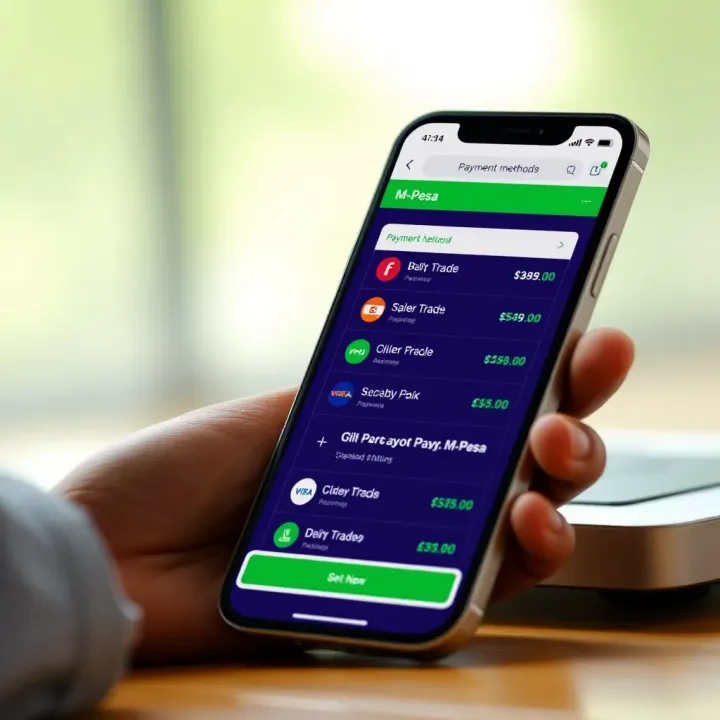
Once M-Pesa is chosen, enter the amount you wish to deposit in Kenyan shillings. It’s essential to be mindful of Deriv’s minimum and maximum deposit limits here, so double-check those figures before confirming. Confirming the amount tells both M-Pesa and Deriv the exact sum to transact, which helps avoid underfunding or accidental over-deposits that may complicate account reconciliation.
After confirming the amount, Deriv will provide you with a paybill number and account reference to use with Lipa Na M-Pesa on your mobile phone. Go to the M-Pesa menu, select Lipa Na M-Pesa, then enter the paybill and reference details exactly as shown. Accuracy in input is critical; a single wrong digit could send funds elsewhere. When you enter your M-Pesa PIN and approve the payment, the money moves from your mobile wallet to Deriv’s account.
Immediately after the transaction, you should get SMS confirmations from both M-Pesa and Deriv. M-Pesa confirms the debit from your mobile money account, while Deriv sends notification of the credited deposit to your trading account. Seeing confirmation on both ends offers peace of mind and proof of successful transactions. If either confirmation doesn’t arrive quickly, it’s wise to check transaction history on M-Pesa or contact Deriv support to prevent delays affecting your trading plans.
Make sure your mobile network and app versions are updated to avoid interruptions during these steps.
By following these precise steps, you ensure your trading funds arrive safely and swiftly, letting you focus on market movements rather than payment hassles.
Knowing the transaction limits and fees on both Deriv and M-Pesa is key to managing your trading capital efficiently. Traders must understand these constraints to avoid surprises that could disrupt their trading plans or cash flow.
M-Pesa applies charges for each transaction made via the Lipa Na M-Pesa service, which you'll use to fund your Deriv account. For example, depositing KSh 10,000 might attract a fee in the range of KSh 11 to KSh 80 depending on the amount and M-Pesa's current tariff structure. These fees are fixed by Safaricom and typically scale with the transaction size.
It's practical to check M-Pesa's latest fee schedule on their official channels before making deposits, as these could slightly change. Knowing the costs upfront helps you budget the exact amount required to cover both your deposit and transaction charges, avoiding shortfalls that might delay your trading.
Besides these fees, Deriv or your bank might apply additional charges. While Deriv generally does not charge deposit fees, some banks or intermediaries could impose processing fees or currency conversion charges depending on your transaction type. For instance, if your bank account currency differs from Deriv's accepted currency, you may face conversion costs.
Make it a habit to verify any extra fees with your bank or payment service provider beforehand. This clarity ensures you're not caught off guard by deductions and can plan your trading deposits accordingly.
Deriv sets minimum and maximum deposit limits to balance ease of access and compliance. Typically, the minimum deposit using M-Pesa is around KSh 500, ensuring that all traders can start with manageable amounts. On the upper side, deposits may cap around KSh 500,000 or more per transaction, though this can vary.
Understanding these limits matters because it helps you plan how much money to move at a time. For example, if you want to fund KSh 1 million, you might need to split it across a few deposits within the allowed limits.
In addition to single transaction limits, Deriv enforces daily and monthly transaction caps to comply with regulatory standards and reduce risks. A daily cap might be set around KSh 1 million, while the monthly total could reach several millions of shillings.
These caps prevent excessive exposure and ensure safer trading for you. If your trading requires larger funding sums, you will need to spread deposits over days or weeks to stay within the allowed limits. Always keep track of your deposit history on Deriv's platform to avoid hitting these caps unexpectedly.
Staying informed about fees and limits guards against delays, unexpected deductions, and interruptions in your trading activities. Make it part of your regular account checks to inspect fees and transaction limits.
By understanding M-Pesa's transaction costs and Deriv's deposit policies, you control your trading funds better and can focus on making strategic trades instead of worrying about payment hiccups.
Using M-Pesa to deposit funds on Deriv is usually smooth, but occasionally users encounter bumps such as delays, errors, or failed transactions. Knowing how to spot and solve these problems saves time and frustration, especially for active traders who rely on fast account funding. This section explains common challenges and practical fixes, helping you keep your trading on track.
When a deposit seems late or missing, the first step is to verify the payment status on M-Pesa. Check your M-Pesa transaction history via M-Pesa menu or the Safaricom app to see if the payment succeeded or is still pending. Sometimes network issues or system glitches cause delays, but your transaction might already have been processed. For example, if the deposit was initiated during peak hours or on the weekend, processing might take longer.
After confirming payment success on M-Pesa, log in to your Deriv account and review your balance and transaction records. Sometimes the deposit reflects under pending credits or in the transaction history even if the balance does not update instantly. This is especially common with new deposits or when making transfers in foreign currencies. Ensuring your deposit is actually missing—rather than delayed posting—is important before escalating the issue.
If your M-Pesa payment went through but the Deriv account still shows no funds after 24 hours, contacting Deriv support is the next move. Provide them with your transaction ID, date, and amount to help speed up the investigation. Deriv’s support team can trace the payment on their end and clarify if there are technical issues. Being prompt with support requests can prevent trading interruptions or missed market opportunities.
A common cause of failed M-Pesa deposits is incorrect M-Pesa PIN entry or insufficient funds. Always make sure your M-Pesa account has enough money plus the required transaction fees before initiating a deposit. For instance, if you try to deposit KSh 5,000 but only have KSh 4,900 plus fees, the transaction will fail. Double-check your PIN as repeated wrong entries can block your M-Pesa account temporarily.
Another frequent mistake involves entering wrong payment details such as the paybill number, account number, or phone number. Since M-Pesa deposits to Deriv require precise details, any slip-up can cause errors or direct funds to wrong accounts. Always confirm the exact paybill number and account info from the official Deriv platform before proceeding. It helps to keep the details saved for future reference.
If a deposit fails, avoid multiple hasty attempts that may cause duplicate deductions. First, confirm with M-Pesa whether any amount was deducted. If the funds weren’t taken, try again after verifying all details and balance. If funds were taken but the deposit failed on Deriv, wait for support to resolve the issue first to prevent losing money. Safe retries keep your transactions clean and your account secure.
When using mobile money for trading deposits, patience and careful verification prevent many common problems. Keeping track of transaction details and knowing the right steps when something goes wrong will save you time and preserve trust in both M-Pesa and Deriv services.
When dealing with financial transactions on platforms like Deriv, safety and efficiency are not optional – they are essentials. Depositing funds using M-Pesa offers convenience, but without proper care, users risk security breaches or delays that could cost them trading opportunities. This section looks at practical ways to protect your accounts and streamline your deposits, ensuring you keep control over your money and time.
A strong password is your first shield against unauthorised access. Choose a password that mixes upper and lower case letters, numbers, and special symbols rather than common words or dates. For example, instead of "Kenya123", try a combination like "K3ny@2024!" which is harder to guess but still memorable. Both Deriv and M-Pesa support two-factor authentication (2FA), which adds an extra layer by requiring a secondary code from your phone or email. Activating 2FA means that even if someone gets hold of your password, they still cannot get in without that second step.
Phishing attacks often come as fake SMS or emails pretending to be from M-Pesa or Deriv support, asking you to share PINs or click suspicious links. Always verify the sender’s address and avoid opening links from unknown sources. For instance, never enter your M-Pesa PIN in any website outside the official Safaricom app or USSD menu. Deriv will never ask you for passwords or personal details via email. If in doubt, call Safaricom customer care or Deriv support directly instead of replying to suspicious messages.
Scammers tend to work fast and get creative, but staying alert, questioning unexpected requests, and checking official channels first can save you from costly mistakes.
To avoid missing out on trading chances, keep enough KSh in your M-Pesa account before initiating a deposit. Suppose you plan a KSh 10,000 deposit on Deriv; ensure your M-Pesa account holds slightly more to cover transaction fees, whether for Lipa Na M-Pesa or related bank charges. Running short can cause failed transactions and delays, disrupting your trading plans.
Kenya’s peak M-Pesa traffic times typically fall during mornings and early evenings when many people transact simultaneously. Depositing funds during these busy periods might slow down processing times or risk temporary system congestion. Aim to make deposits during off-peak hours, such as late mornings or early afternoons on weekdays. This approach often reduces waiting times and improves transaction success rates.
Keep both your Deriv app and Safaricom’s M-Pesa app updated to their latest versions. Updates fix bugs and improve security, reducing the risk of app crashes or vulnerabilities while transacting. Also, ensure steady internet access via mobile data or Wi-Fi, especially when handling deposits. Poor connectivity can interrupt the payment process or fail to show confirmation messages, leading to confusion or repeated transactions.
By following these tips, you safeguard your money and smooth your trading experience on Deriv. Paying attention to security and convenience means you focus more on your investments and less on avoidable hassles.
Explore how Deriv.com pairs with MetaTrader 5 to boost trading in Kenya 🇰🇪. Learn setup tips, features, and smart trading strategies for better results 📈.

📈 Discover how Kenyan traders can seamlessly combine Deriv and TradingView for smarter trades. Learn setup tips, strategies, and solutions for smooth trading.
🤖 Explore how trading bots work on Deriv.com! Learn setup, benefits, risks & legal tips for smart automated trading in Kenya and beyond. 📈

📈 Learn how Kenyan traders can use Deriv TradingView tools to boost strategies, interpret charts, and make smarter, informed market decisions daily.
Based on 8 reviews