
Guide to Using DerivTradingView for Market Analysis
📈 Discover how DerivTradingView blends Deriv’s platform with TradingView’s charts to boost your market analysis and trading in Kenya. Learn features, costs & tips!
Edited By
Isabella Turner
TradingView.com is a popular online platform providing advanced charting tools and real-time market data, ideal for traders and investors in Kenya looking to analyse various assets. Whether you're tracking NSE stocks, global currencies, or commodities, TradingView offers a range of features to help you make informed decisions.
One key advantage is the platform’s accessibility. You can access TradingView on desktop or mobile, making it easy to monitor markets on the move, especially handy if you depend on public transport or are often out in the shamba. The interface supports customisation, allowing Kenyan users to tailor charts to local market conditions, such as adding indicators that reflect NSE price movements or overlaying relevant news feeds.
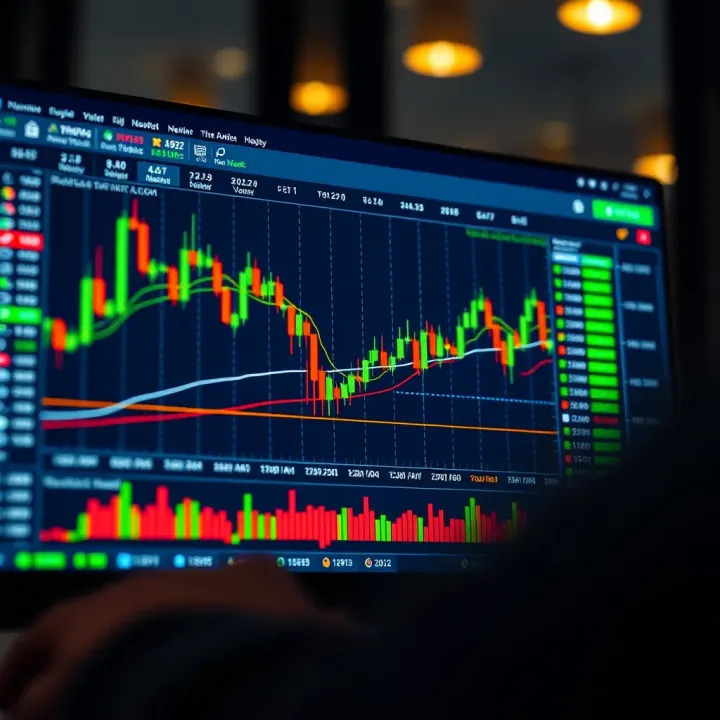
Many Kenyan traders find value in TradingView’s combination of technical analysis and community-driven insights, where you can follow local analysts or share your own ideas.
Some of the main tools include:
Interactive candlestick charts with multiple timeframes
Technical indicators like RSI, MACD, and Bollinger Bands
Drawing tools for trendlines, support, and resistance
Alerts that notify you by email or mobile push when prices hit specific levels
Local relevance comes in when integrating Kenyan market requirements. For instance, you can set charts to Kenyan Shilling (KSh) as a currency and configure data for NSE-listed companies. While some global financial data comes at subscription tiers, basic access is free and sufficient for many retail traders in Kenya.
Additionally, TradingView supports integration with some brokerage platforms – though options remain limited locally. Still, it’s possible to analyse first on TradingView before executing trades on your usual broker’s portal or app.
In summary, TradingView.com offers practical tools for Kenyan traders and investors who want to deepen their market analysis, combining powerful visuals, easy mobile access, and relevant custom settings. This guide will break down how to set up and use the platform effectively, ensuring you get the most value for your market insights.
Getting started with TradingView.com is the first critical step for anyone serious about market analysis in Kenya. This platform offers a range of tools that can help you make informed trading decisions, but getting familiar with its setup and navigation is essential. Without a well-set profile and understanding of the dashboard, you might miss out on features that could improve your analysis significantly.
Setting up a TradingView profile is simple but sets the foundation for your experience. Signing up only requires your email or social media accounts, and once registered, you can personalise settings such as your preferred language, time zone (important for Kenyan market hours), and currency display. This personalisation helps ensure data and charts reflect your local trading environment accurately. For instance, setting the time zone to East Africa Time (EAT) keeps your chart sessions aligned with NSE trading hours.
Overview of the main dashboard introduces you to a clean and intuitive layout. The dashboard is where you start your market watch, access charts, news, and any saved workspaces. Kenyan traders often find the watchlist feature handy for tracking NSE stocks like Safaricom (SCOM) or KCB Group (KCB), alongside notable currency pairs such as USD/KES. The menu bar offers quick access to chart types and technical indicators, while the sidebar shows favourite assets and recent views, streamlining your workflow.
Customising your workspace lets you tailor TradingView to suit your trading style. You can divide the screen into multiple chart windows, each showing different timeframes or asset classes—this is useful for watching NSE shares during the day and currencies or commodities like coffee and tea futures in the evening. Adjust colours and chart layouts to reduce eye strain during long analysis sessions. For example, switching to a dark theme may be easier on your eyes during Nairobi’s late-night trading studies.
Checking access to global and local markets is important because TradingView aggregates a vast universe of markets, but some data, especially from local exchanges like the Nairobi Securities Exchange (NSE), may have limitations. Many Kenyan traders find most NSE stocks viewable with delayed data, which still helps with trade planning. Meanwhile, major global exchanges such as NYSE or LSE provide realtime feeds for free or under paid tiers.
Understanding data sources and update frequency helps manage expectations. TradingView pulls information from official exchange feeds, and update frequency varies by market. NSE data updates typically lag by 15–20 minutes unless you subscribe to paid plans with realtime data. For forex pairs like USD/KES, updates are mostly instantaneous since these are off-exchange markets.
Keep in mind: relying on delayed data could mean missing fast market moves, so if you are scalping or day-trading, consider investing in realtime data access.
Limitations and paid data packages exist because TradingView requires licensing fees for some exchanges. The free version suits casual investors or those using longer-term strategies but limits realtime data access and alerts. Kenyan traders focusing on NSE or forex markets may find value in Pro subscriptions, which expand chart layouts, offer more alerts, and deliver realtime data for certain markets. However, weigh the cost against your trading style and capital; not everyone needs the full suite.
By mastering these basics, you'll set a solid foundation to use TradingView effectively in Kenya's trading environment, balancing cost and functionality according to your needs.
Charting tools and technical indicators form the backbone of market analysis on TradingView. For traders and investors in Kenya, these features provide essential ways to interpret price movements, identify trends, and make informed decisions tailored to local market conditions such as the Nairobi Securities Exchange (NSE) or forex pairs involving the Kenyan Shilling (KSh).
Line, bar, candlestick charts offer different views of price action. Line charts connect closing prices over time and are great for spotting overall direction but lack detail. Bar charts add more information by showing open, high, low, and close prices for each time unit, which helps detect volatility. Candlestick charts are the most popular among Kenyan traders because they visually encode buy or sell pressures, making patterns like ‘Doji’ or ‘Hammer’ easier to spot. For example, during NSE trading hours, a candlestick chart could reveal intraday momentum shifts in Safaricom shares.
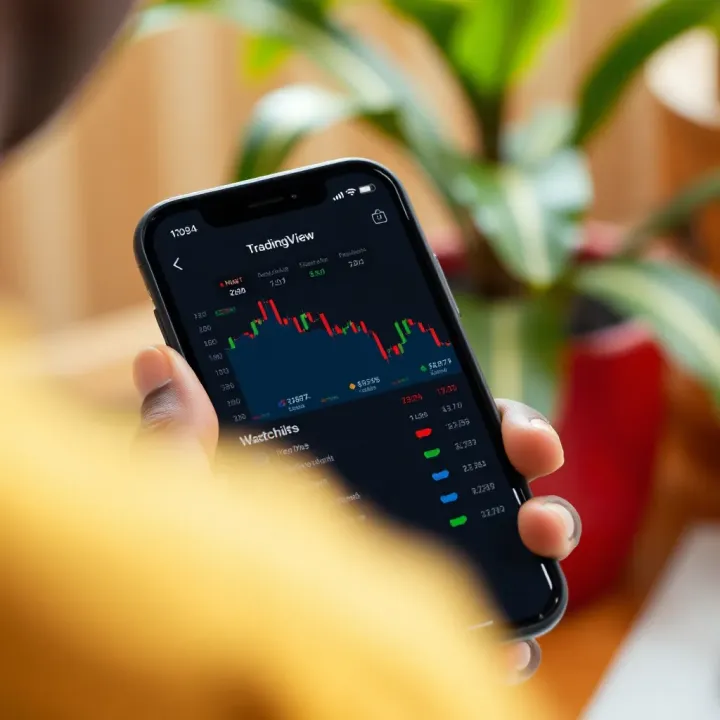
Timeframes and zoom options let you examine markets at different speeds. You can analyse minute-by-minute trends for active forex trades using the 5- or 15-minute charts or switch to daily or weekly views to track long-term investments like local bank stocks. Zooming in and out helps spot support or resistance levels more clearly and adjust strategies based on short-term market news or quarterly earnings updates.
Drawing tools for trend lines and support/resistance enable visualising price barriers and market directions. Drawing a trend line beneath lows during an upward trend helps confirm if a stock like Equity Bank is maintaining its momentum. Support and resistance lines show where prices tend to bounce or stall, which assists traders to place buy orders near support or plan exits close to resistance – essential when trading Kenyan equities or commodities like tea futures.
Popular indicators like RSI, MACD, and moving averages help gauge market strength and momentum. The Relative Strength Index (RSI) pinpoints overbought or oversold conditions, useful for timing entries in forex pairs like USD/KSh. MACD highlights momentum shifts, while moving averages smooth out price data to reveal trend directions. For instance, a 50-day moving average crossing above the 200-day line in EABL stocks could signal a strong buy opportunity.
Setting indicator parameters tailors signals to your trading style or market. Adjusting RSI periods from the default 14 to a shorter span might catch quicker reversals in volatile commodity prices. Changing moving average types between simple and exponential affects sensitivity to price changes. Personalising these helps Kenyan traders align indicators with local market rhythms, such as NSE trading hours or currency fluctuations.
Combining indicators for analysis offers a clearer market view. Using RSI alongside moving averages, for example, can confirm when momentum and trend agree before placing trades. Such combinations reduce false signals and improve confidence, especially in markets with sudden shifts like forex or during earnings announcements of local companies.
Introduction to TradingView’s Pine Script lets savvy traders build bespoke indicators tailored to specific strategies. If you want to track a custom moving average crossover unique to your trading plan or combine Kenyan market volume data with global news flow, Pine Script can make that possible. This feature is especially useful for fintech professionals developing advanced analytics.
Setting price alerts and notifications ensures you never miss critical market moves. You can configure alerts to notify by email, SMS, or app when a stock like KCB shares hits a target price or when the USD/KSh exchange rate crosses a threshold relevant to imports or exports. This saves time and supports timely decisions, whether you’re following NSE equities or the forex market.
Sharing and saving custom indicators helps Kenyan traders collaborate. Once you create useful scripts or setups, you can share them within TradingView’s community or save them for future use. Sharing encourages learning and fosters a local trading culture that benefits beginners and experienced market participants alike.
Using TradingView’s charting tools and indicators strategically allows Kenyan traders to stay ahead by reading market signals clearly and acting efficiently with timely alerts and customised setups.
This practical approach makes TradingView a valuable platform for navigating Kenya’s markets, whether in forex, commodities, or equities.
TradingView’s platform brings much-needed tools to Kenyan market participants looking for reliable charting and analysis. Applying TradingView directly to Kenya’s trading environment allows investors, brokers, and analysts to track local assets and currency movements alongside global markets. This approach grants practical benefits, such as better-timed trades and informed portfolio adjustments that reflect real trading hours and market nuances familiar to Kenyans.
Kenya’s main equities market, the Nairobi Securities Exchange (NSE), is well represented on TradingView, although with some limitations. Most NSE-listed stocks, including Safaricom, KCB Group, and Equity Bank, are available for charting with historical price data. This enables users to perform technical analysis, spot trends, and understand market sentiment using familiar Kenyan stock symbols. For example, tracking Safaricom’s price movement before earnings announcements helps investors time their entry or exit.
Kenyan traders also benefit from following key exchange rates, especially the Kenyan shilling (KSh) against the US dollar (USD). Since Kenya’s economy heavily relies on imports and remittances, fluctuations in KSh/USD affect corporate earnings and consumer prices. TradingView offers live charts for these currency pairs, allowing users to monitor forex trends relevant to Kenya’s importers, exporters, and forex traders. Instant updates on the KSh/USD provide a clear window into macroeconomic shifts.
Adjusting charts to local market sessions is another essential feature. The NSE operates from 9 am to 3 pm East Africa Time (EAT) on business days. TradingView users in Kenya can configure trading hours on charts to reflect these periods accurately. This helps avoid confusion caused by 24-hour trading displays, which may include inactive hours. Reviewing data aligned with actual NSE sessions ensures more precise technical signals and informed decision-making during active market hours.
Kenyan forex traders focus largely on currency pairs involving USD, EUR, GBP, and the Kenyan shilling. Popular pairs like USD/KES, EUR/USD, and GBP/USD are tracked closely for short-term trading or hedging currency risks. Many retail forex brokers in Kenya support TradingView integration, allowing smooth analysis and trade execution. Knowing trends on these pairs helps traders guard against currency depreciation or take advantage of forex volatility.
Commodity markets also matter significantly to Kenyan traders and businesses. For instance, coffee and tea futures prices influence earnings for farmers and exporters. Gold and oil prices are followed closely given Kenya’s import costs for fuel and potential mining investments. TradingView offers access to global commodity prices, which Kenyan market participants can watch to anticipate price swings that might impact production costs or export revenues.
Integrating M-Pesa and payment options is gradually becoming relevant for Kenyan traders using TradingView Premium subscriptions. Although TradingView itself doesn’t process payments, some brokers linked to the platform accept deposits via M-Pesa or Lipa Na M-Pesa. This simplifies funding trading accounts locally without needing complicated international bank transfers. Such payment flexibility encourages more Kenyans to actively use TradingView alongside local payment methods, making market access easier.
For Kenyan traders and investors, blending TradingView’s global capabilities with local market specifics translates into smarter, well-timed trading. From NSE shares to forex pairs and commodities, tailoring charts and tools to Kenya’s environment is key to successful market analysis.
Upgrading to TradingView’s advanced features can really sharpen your market analysis. While the free version offers solid tools, Pro subscriptions add real-time data crucial for timely decisions, especially in Kenya’s fast-moving markets like the NSE and forex pairs. For instance, if you trade Safaricom shares or follow USD/KSh rates, having live updates rather than delayed quotes can help you react before others do.
The Pro and above subscriptions provide access to live market prices, extended chart history, and more indicators per chart. This can make a big difference if you closely track NSE equities or commodities relevant to Kenya, such as tea or coffee futures. Real-time data means you get the freshest view, avoiding misses caused by minute delays which the free plan usually has.
Alerts on TradingView let you monitor price changes or indicator signals without staring at the screen all day. You can set alerts for Safaricom dropping 1% during trading hours or when the KSh weakens against the USD by a certain margin. These alerts can be delivered via SMS, email, or app notifications — vital for busy traders juggling multiple tasks or those outside Nairobi wanting to stay connected.
Kenyan traders often move between mobile and desktop depending on location or internet availability. Pro plans allow seamless syncing across devices so your charts, drawings, and watchlists stay updated whether you’re on a laptop at work or your phone in a matatu. This continuity prevents losing critical setups or missing timely signals when switching devices.
TradingView’s social features let you connect with other traders sharing ideas and strategies. Following Kenyan market experts can give insights tailored to local conditions, such as adjusting for NSE trading hours or understanding the impact of local economic news. At the same time, observing global traders broadens your perspective, especially on forex or commodity trends influencing Kenyan markets.
You can publish your own technical analysis or setups and get feedback from the community. This interaction sharpens your skills, as others may spot support levels or risk factors you missed. For example, posting a potential breakout on Equity Bank stock might draw input from seasoned traders, helping you refine your entry or exit points.
The community shares countless trading strategies, some tested in markets similar to Kenya’s. You might find a trend-following system suited for NSE shares or a swing trading approach for forex pairs like EUR/KSh. Learning from others’ successes and failures can save you time and help avoid common pitfalls.
Using advanced features and engaging with TradingView’s community enhances your market edge. It’s not just about charts — it’s about staying connected, informed, and ready to act in Kenya’s dynamic trading scene.
Accessing TradingView through both mobile and desktop platforms offers Kenyan traders and investors the flexibility needed to stay updated on market movements throughout the day. Whether you're at your desk in Nairobi or on the move in Mombasa, seamless access means you can monitor charts, set alerts, and analyse trades without interruption. It's not just a convenience; it’s essential for timely decisions in Kenya’s fast-paced markets.
The TradingView mobile app is available for download on Android via the Google Play Store and on iOS through the Apple App Store. Setting it up is straightforward: after installation, you sign in using the same details as your desktop account or create a new profile if you're starting fresh. For many Kenyans who primarily use mobile devices to access the internet, this app brings the power of the desktop platform right into their hands, supporting on-the-go market analysis.
Synchronisation between your mobile app and desktop ensures your watchlists, chart layouts, and alerts stay updated across devices. For example, if you spot a trading opportunity on the desktop, you can add a price alert that stays active on your phone. This means you won't miss important market moves when away from your desk, particularly useful when matatu delays or power outages disrupt your work routine.
Optimising TradingView for Kenya's often patchy internet connections is also key. The mobile app offers settings that reduce data use by limiting chart loading to essential elements and disabling background updates. Kenyan traders can benefit from this by conserving data costs while still receiving vital market information, especially in areas where broadband is slow or expensive.
TradingView works smoothly on popular web browsers like Chrome, Firefox, and Microsoft Edge. Using the web version avoids the need for software installation and allows access from any internet café or shared device, which suits many users who do not own personal desktops. However, browser choice can affect performance: Chrome generally offers quicker loading times and more reliable chart rendering.
There is also a dedicated desktop app for TradingView that provides some perks. It can offer faster performance since it runs independently of browser limitations and allows you to open multiple workspaces side by side. This can be handy when analysing several Kenyan stocks or tracking forex pairs simultaneously without switching tabs.
For efficiency, TradingView supports keyboard shortcuts and other navigation tricks to speed up your workflow. For instance, pressing certain keys can switch chart types or timeframes instantly. Learning these shortcuts helps especially active traders who need to react quickly during volatile market sessions, such as after CBK (Central Bank of Kenya) announcements or NSE market openings.
Accessing TradingView easily across devices ensures you never miss a key market moment, whether you’re on the road or at the office in Kenya.
In short, combining mobile convenience with desktop power lets you take full advantage of TradingView's features relevant to Kenyan markets and personal trading styles.
📈 Discover how DerivTradingView blends Deriv’s platform with TradingView’s charts to boost your market analysis and trading in Kenya. Learn features, costs & tips!
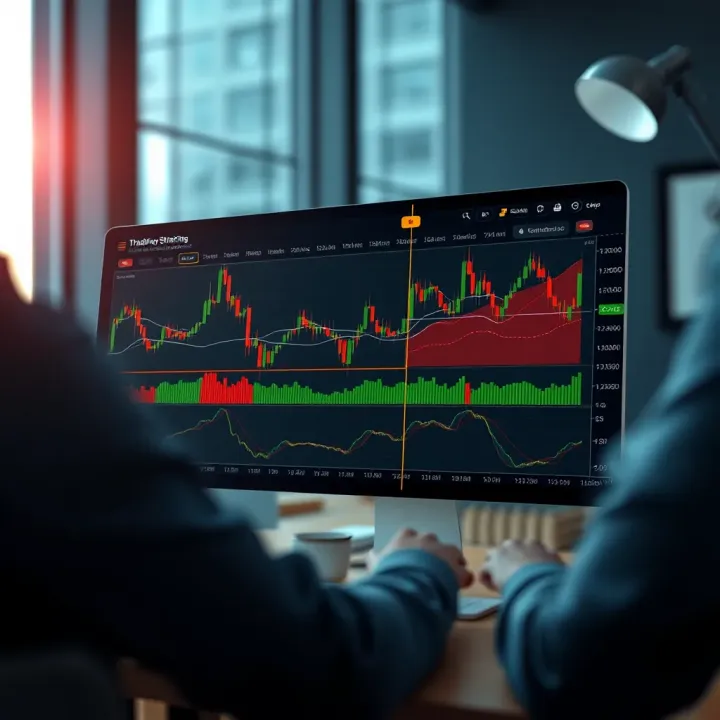
📈 Discover how Kenyan traders can seamlessly combine Deriv and TradingView for smarter trades. Learn setup tips, strategies, and solutions for smooth trading.
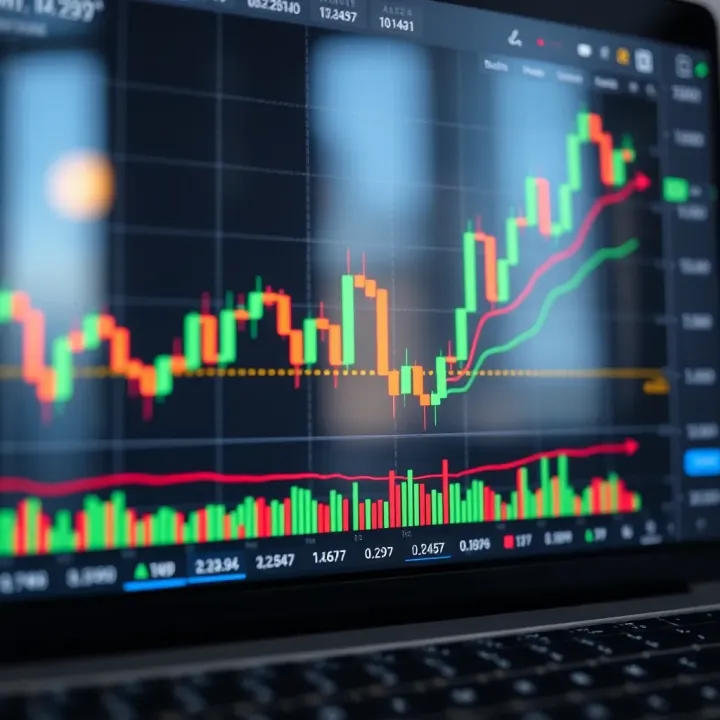
Discover how to use TradingView 📊 for smart binary options trading in Kenya 🇰🇪. Learn chart reading, technical analysis, platform integration, and trading safety tips.
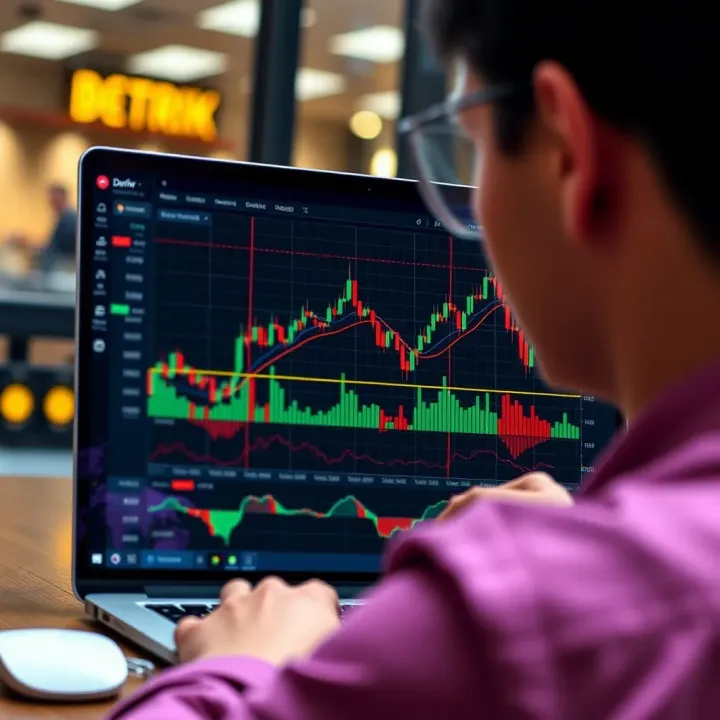
📊 Learn how to integrate TradingView charts on the Deriv platform to sharpen your market analysis and boost trading performance in Kenya's dynamic market environment.
Based on 7 reviews