
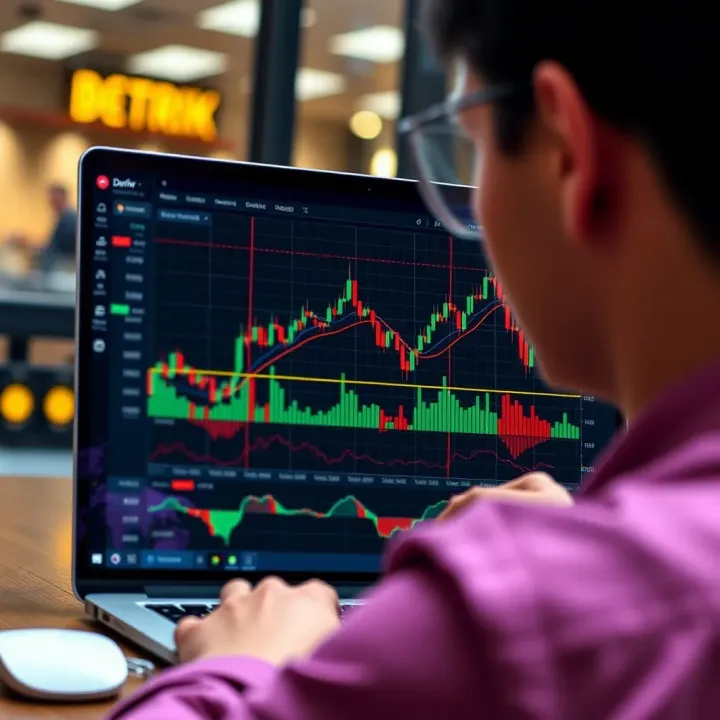
How to Use TradingView Charts on Deriv Platform
📊 Learn how to integrate TradingView charts on the Deriv platform to sharpen your market analysis and boost trading performance in Kenya's dynamic market environment.
Edited By
Benjamin Hughes
Integrating TradingView charts on the Deriv platform can significantly boost your trading experience. This combination brings together TradingView’s powerful charting tools and Deriv’s user-friendly trading environment, making it easier to analyse markets and execute strategies effectively.
TradingView is popular for its wide range of technical indicators, drawing tools, and real-time price updates. By embedding these charts into Deriv, Kenyan traders can access detailed market visuals without switching platforms, saving time and minimising confusion.
Embedding TradingView charts is not only about better visuals; it also helps traders spot trends and entry points clearly, improving decision-making in a fast-moving market.
This guide will walk you through the key benefits of using TradingView charts on Deriv, practical steps to set them up, and tips to overcome common technical hiccups. Whether you’re a trader, investor, or fintech professional, understanding this integration can help you optimise your strategies and stay ahead in the market.
More so, this approach suits various trading styles – from scalping on short-term movements to longer-term investments. By the end of this guide, you’ll have a handy toolkit to enhance your analysis directly within the Deriv interface, fully utilising features like multiple timeframes, overlays, and custom indicators.
To get started, you’ll need a stable internet connection, an active Deriv account, and access to TradingView’s chart widgets or API. While the integration process involves some technical steps, it’s manageable and well worth the effort for the clearer insights it offers.
Next, we’ll explore the specific advantages TradingView charts bring to Deriv users and how exactly you can implement them for a smoother trading flow.
TradingView is a widely used financial charting platform known for its detailed and interactive charts. It offers tools like technical indicators, drawing utilities, and real-time price updates across various markets including forex, equities, commodities, and cryptocurrencies. For example, Kenyan traders can use Moving Averages or Relative Strength Index (RSI) on TradingView charts to spot market trends or entry points. Its social features also allow traders to share ideas and strategies, fostering a community that keeps learning and adapting.
Combining TradingView with the Deriv platform brings convenience by merging powerful charting tools with live trading functionality in a single place. Traders avoid switching between separate apps or sites, which speeds up decision-making—a crucial factor in fast-moving markets. For instance, a forex trader on Deriv can analyse currency pairs using TradingView charts and immediately execute trades within the same interface. This reduces delays and errors caused by toggling between platforms.
The flexibility of TradingView attracts both newbie and experienced traders on Deriv. Those starting out benefit from user-friendly features, while advanced users appreciate the ability to customise charts with Pine Script for automated alerts and strategies.
Integrating TradingView charts on Deriv offers several practical advantages:
Enhanced Market Analysis: Access to multiple indicators and chart types allows detailed technical study, improving trade timing.
Real-Time Data Synchronisation: Live market data on Deriv synchronises with TradingView charts, reducing discrepancies and ensuring accurate prices.
Customisable Interface: Traders can tailor chart layouts, timeframes, and indicators to match local market conditions and their trading strategy.
Improved Risk Management: Alerts and notifications can be set up easily, helping traders track price movements and manage stop-loss or take-profit levels promptly.
Time Efficiency: Having analysis and trade execution under one roof streamlines workflow and reduces the chance of missing trading opportunities.
For Kenyan traders, especially those balancing trading with day jobs, these benefits help maximise limited trading time and capital.
Understanding the role TradingView plays in Deriv is a stepping stone towards more informed, effective trading. Bringing top-notch charting tools together with a reliable trading platform gives users an edge needed to navigate markets confidently.
Integrating TradingView charts into the Deriv platform demands more than just technical know-how; it needs a clear understanding of key components and setup stages. Getting these right ensures the charts perform well, display accurate data, and offer a seamless experience for traders. This section focuses on the crucial technical requirements and a straightforward setup process tailored for traders and developers looking to combine the power of TradingView’s charting tools with Deriv’s trading features.
To start, obtaining TradingView API credentials is a must. These credentials act like a digital key that authorises your access to TradingView’s charting services. Without them, you cannot embed or control TradingView charts on your platform. Practically, these credentials help manage user limits and ensure compliance with TradingView’s terms, so you avoid surprises like sudden service blocks when usage spikes.
For example, if you want to provide customised chart views specifically for forex or commodities popular in Kenya, you’ll need the right API access to fetch the correct data feeds and display them efficiently. So, securing these details at the beginning saves time and headaches later on.
Similarly, Deriv API access is essential because it lets your integration pull real-time market data directly from Deriv. TradingView charts alone show general trends, but they become truly useful when synced with live trading data from Deriv.
Having Deriv’s API access enables functions like fetching current asset prices, executing trades, or updating charts instantly as markets move. For instance, a trader in Nairobi wanting to watch and act on sudden price fluctuations in cryptocurrencies needs this live connection to avoid delays.
You also need a solid development environment geared for this integration. This typically includes a modern JavaScript development setup, since TradingView’s chart widgets rely heavily on JavaScript for rendering and interaction.
Tools like Visual Studio Code, Node.js for server-side handling, and web browsers with developer consoles help in testing and debugging. Perhaps you have a small team building this or are working solo; either way, these tools keep your setup efficient and help spot issues early, especially when aligning TradingView charts with Deriv’s dynamic data.
The first practical step involves embedding the TradingView widget right into the Deriv interface. This is done using TradingView’s lightweight JavaScript library which you call in your front-end code.
By embedding the widget, your platform can display charts within the same window traders use for placing bets or trades. This avoids juggling between tabs or applications. For example, a trader focusing on a volatile asset can quickly glance at chart patterns and make decisions without shifting away from Deriv’s trading dashboard.
Next, customising the chart settings ensures relevance to local trading conditions. This includes things like setting the currency units to Kenyan Shillings (KSh), choosing timeframes that suit Kenyan market hours, and adding technical indicators familiar to local traders.
You might set indicators such as the Relative Strength Index (RSI), Bollinger Bands, or Moving Averages directly on the charts. These features tailor charts to Kenyan market rhythms and trading habits, helping traders analyse effectively without distraction or unnecessary complexity.
Finally, synchronising Deriv live market data with TradingView charts is key to keeping everyone on the same page. This involves coding a data bridge where price ticks from Deriv’s API update the TradingView charts in real time.
Doing this ensures that chart actions like zoom or candle formation reflect the actual market status on Deriv. A practical example is a day trader in Mombasa watching the 1-minute candles for the coffee commodity market; real-time syncing means their decision to buy or sell is based on up-to-the-second information, not stale data.
Setting up TradingView charts on Deriv isn’t just technical work; it lays the foundation for sharper analysis and faster trading decisions, especially for Kenyan traders who depend on accurate market visuals alongside a trusted trading platform.
Integrating TradingView charts onto the Deriv platform is not just about displaying price movements—it’s about enriching how you interact with market data to make smarter decisions. Enhancing the trading experience means using tools that give you clearer insights, quicker reactions, and better management of diverse market conditions. Kenyan traders especially benefit by having access to these enhanced features on a platform they already trust.
Drawing tools and technical indicators are essential when analysing market trends. TradingView offers a wide range of drawing tools, from trendlines to Fibonacci retracements, allowing you to mark support and resistance zones directly on your charts. For example, a trader following forex pairs like USD/KES can use trendlines to spot breakout patterns before they happen. Technical indicators such as Moving Averages or RSI provide extra confirmation signals, helping you identify overbought or oversold conditions which could be missed by relying on price action alone.
Another important aspect is setting alerts and notifications. These help you stay on top of opportunities without constantly monitoring charts. With TradingView’s alert system integrated into Deriv, you can set price or indicator alerts that notify you via pop-ups or emails. Imagine you’re waiting for the NSE 20 Share Index to cross a certain level—once it does, you get alerted immediately. This reduces the risk of missing trades, especially when you’re managing other commitments or travelling around Nairobi.
Using multi-chart layouts gives you a broader perspective across several markets at once. For investors interested in commodities, FOREX, and local equities simultaneously, TradingView lets you open multiple charts in one window. It means you can watch how the price of crude oil affects currencies like KES or how the Nairobi Securities Exchange reacts to global events—all in real time. This layout is invaluable for those managing diversified portfolios or looking to spot correlations for better trade timing.
Optimising performance on mobile and desktop is crucial since many Kenyan traders switch between devices. TradingView on Deriv runs smoothly on desktop browsers, but mobile optimisation ensures you can trade on the move without lag or crashes. Keeping your browser and the Deriv app updated, plus clearing cache occasionally, will keep charts responsive. For mobile users, enabling data-saving modes helps avoid bandwidth overuse, especially on 3G or 4G networks common outside Nairobi.
When it comes to managing screen space and navigation, a clean and organised workspace helps maintain focus. Using TradingView’s ability to toggle toolbars or collapse unnecessary panels on Deriv maximises the visible area for charts. For traders using laptops with limited screen sizes, this approach prevents clutter and accidental clicks. Keyboard shortcuts for switching between drawing tools or timeframes speed up your workflow, letting you react swiftly during volatile sessions.
Lastly, integrating with M-Pesa and local payment options brings convenience to funding your Deriv account and withdrawing profits. Since M-Pesa dominates mobile payments in Kenya, having seamless access to Lipa Na M-Pesa and Paybill services within Deriv means you spend less time worrying about payment delays and more time on trading. Prompt deposits and withdrawals also help maintain effective cash flow, critical for day traders and short-term investors.
Enhancing your trading experience is not just about adding fancy tools; it's about using practical features that work smoothly for the Kenyan market context—whether it's drawing trendlines or getting M-Pesa payments quickly.
Improving your interaction with TradingView charts on Deriv can significantly impact your trading precision and efficiency. Apply these strategies to get the most from your platform and see your trading edge sharpen.
Integrating TradingView charts within the Deriv platform can hugely improve trading insights, but some common technical hurdles often arise. Kenyan traders, fintech developers, and brokers should be ready to handle these challenges effectively to maintain a smooth and secure trading experience. This section focuses on key issues such as chart loading problems, API limitations, and data security—offering practical advice to keep disruptions minimal.
Chart loading failures or lag can happen due to unstable internet connections or conflicts between TradingView and Deriv data streams. For example, a trader in Nairobi might experience delayed candle updates during peak matatu commute times when mobile internet slows down. To tackle this, first ensure your development environment uses asynchronous loading for the TradingView widget, allowing other page elements to load independently. Clear your browser cache regularly and test on different browsers like Chrome or Firefox to isolate browser-based issues.
Synchronisation glitches where TradingView charts don’t reflect Deriv’s live prices often arise from API latency or mismatched timestamps. A practical solution involves setting up periodic check-ins between the TradingView data feed and Deriv market data by using WebSocket connections, which support real-time updates better than simple HTTP requests. This method ensures price movements on the chart match the actual trades you can execute.
TradingView and Deriv impose API call limits to protect their servers. Repeatedly hitting these limits may result in temporary blocks or missing data, frustrating traders who rely on continuous updates. For instance, algorithmic traders running several scripts at once could quickly exhaust these limits.
To avoid this, implement efficient data requests by consolidating multiple indicators into a single API call where possible. Cache frequent responses temporarily to reduce repetitive queries. Monitor your API usage closely through dashboards to spot surges early and adjust your polling interval accordingly. Also, test the data accuracy routinely to catch any discrepancies between TradingView’s public feed and Deriv’s proprietary data. Sometimes, small differences in price feeds' sources can cause minor mismatches that, although not critical, may affect trading decisions.
Security is non-negotiable when integrating third-party charts like TradingView on financial platforms. Cyber attackers sometimes target API keys and user data to gain unauthorised trading abilities or steal personal information. For Kenyan users, particularly those trading remotely or using public Wi-Fi, this risk increases.
Always store API credentials securely on the server side rather than exposing them in client-side code. Use encrypted communication channels (HTTPS, secure WebSocket) between Deriv, TradingView, and your application to prevent interception. Implement proper access controls and regularly rotate API keys. Moreover, educate users to avoid sharing sensitive login details and encourage practices like using two-factor authentication (2FA) on Deriv accounts.
Addressing these common challenges proactively ensures your TradingView charts run reliably within Deriv, protecting both your data and trading outcomes. The smoother your tech integration, the better your focus can be on analysing markets and making winning trades.
By understanding how to fix these frequent issues, Kenyan traders and fintech professionals can enjoy a more dependable and secure trading environment, leveraging the advantages of TradingView’s rich charting tools alongside Deriv’s platform capabilities.
Kenyan traders benefit greatly from applying practical strategies on TradingView integrated with the Deriv platform. Understanding how to use charts for different trading styles allows investors to make smarter decisions based on real market data. This section looks at three key use cases that help Kenyan traders gain an edge by combining local insights and global market analytics.
Day trading demands quick decisions and clear market signals. TradingView’s real-time charts and customizable technical indicators, such as Moving Averages and Relative Strength Index (RSI), empower Kenyan day traders to identify trends and reversals within short timeframes. For example, a trader monitoring the Nairobi Securities Exchange (NSE) shares can spot intraday price movements and make timely buy or sell orders on Deriv. Setting alerts on TradingView ensures traders don’t miss critical price points, which is especially useful during Kenya’s working hours.
To add value, these charts can be synced with Deriv’s platform to execute trades seamlessly without switching interfaces. This reduces lag and helps capture quick profits. A practical tip is to combine volume indicators with candlestick patterns, often leading to better entry and exit points. Kenyan traders should also consider major economic events like CBK announcements or NSE market movements, linking those insights with chart patterns to increase accuracy.
For investors holding positions over weeks or months, TradingView on Deriv provides deeper trend analysis tools. Kenyan investors looking at stocks like Safaricom or Equity Bank can use long-term moving averages and Fibonacci retracements to plan entry points or adjust portfolio allocations. Recognising support and resistance levels over a stretch of time helps in setting realistic targets and stop-loss levels.
Charting helps avoid emotional decisions by relying on historical price data. For instance, if Safaricom experiences consistent price support around KSh 30, an investor may decide to accumulate shares around that price. Combining this with fundamental analysis—such as quarterly earnings or regulatory changes by Communications Authority of Kenya—delivers a rounded strategy. These practical charting tools work hand in hand with Deriv’s flexible trading options to support disciplined investment planning.
Kenya’s economic landscape varies across counties, influencing certain asset classes or commodities differently. Incorporating county-level information—like agricultural outputs from Uasin Gishu or manufacturing data from Nairobi—into chart analysis on TradingView allows traders to spot microtrends that national data might miss.
For example, a trader focusing on agricultural commodity CFDs can monitor chart patterns after seasonal harvest announcements specific to counties. Integrating local weather reports during long rains or short rains seasons could further refine timing. In this way, traders personalise their Deriv strategies to local market movements instead of relying solely on global indicators.
Combining TradingView’s powerful charting features with Deriv’s trading tools and local Kenyan market insights equips traders with a practical, grounded approach to both short-term and long-term decision-making.
These use cases demonstrate how Kenyan traders can use TradingView charts strategically on Deriv to stay ahead. By tailoring global tools to local realities, traders improve their chances of profitable outcomes and better manage risks.
📊 Learn how to integrate TradingView charts on the Deriv platform to sharpen your market analysis and boost trading performance in Kenya's dynamic market environment.
📈 Discover how Kenyan traders can seamlessly combine Deriv and TradingView for smarter trades. Learn setup tips, strategies, and solutions for smooth trading.
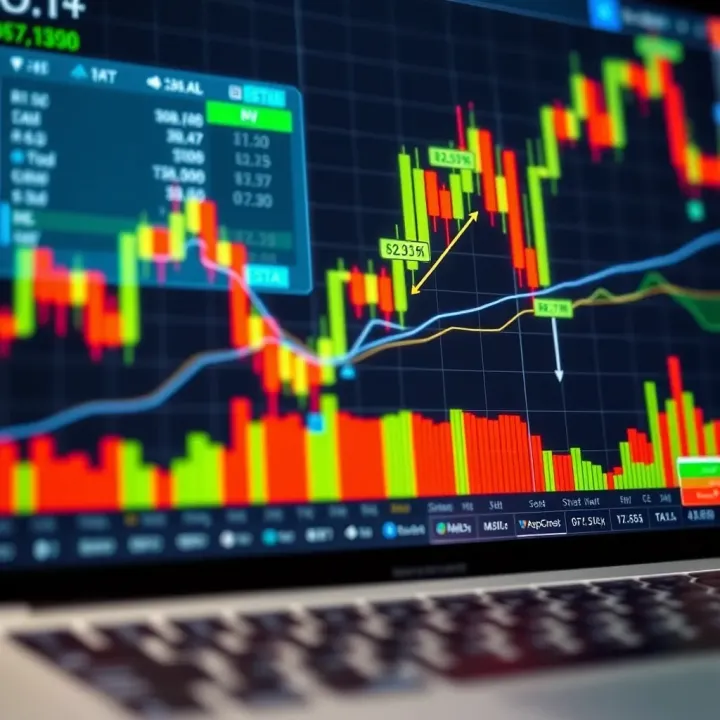
📈 Learn how Kenyan traders can use Deriv TradingView tools to boost strategies, interpret charts, and make smarter, informed market decisions daily.
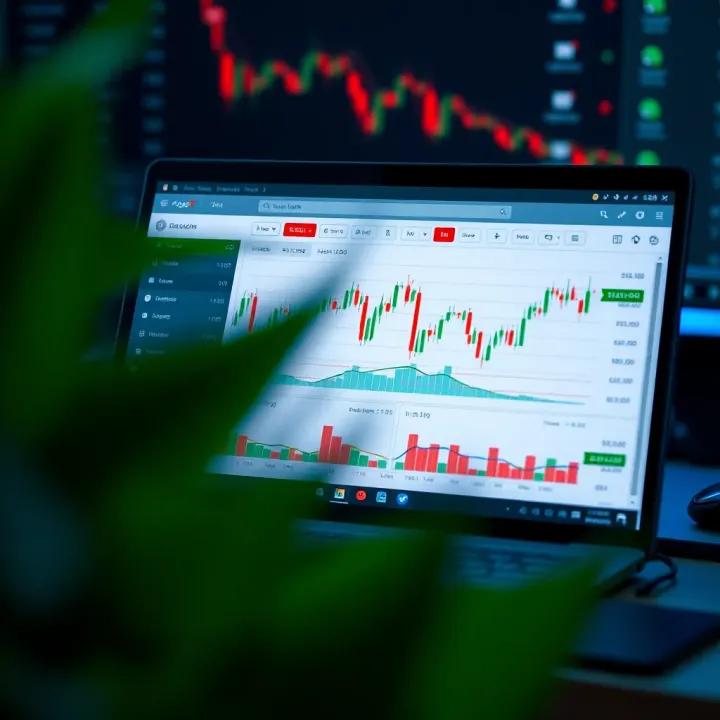
Explore how Deriv.com pairs with MetaTrader 5 to boost trading in Kenya 🇰🇪. Learn setup tips, features, and smart trading strategies for better results 📈.
Based on 7 reviews